
Your face, your call.
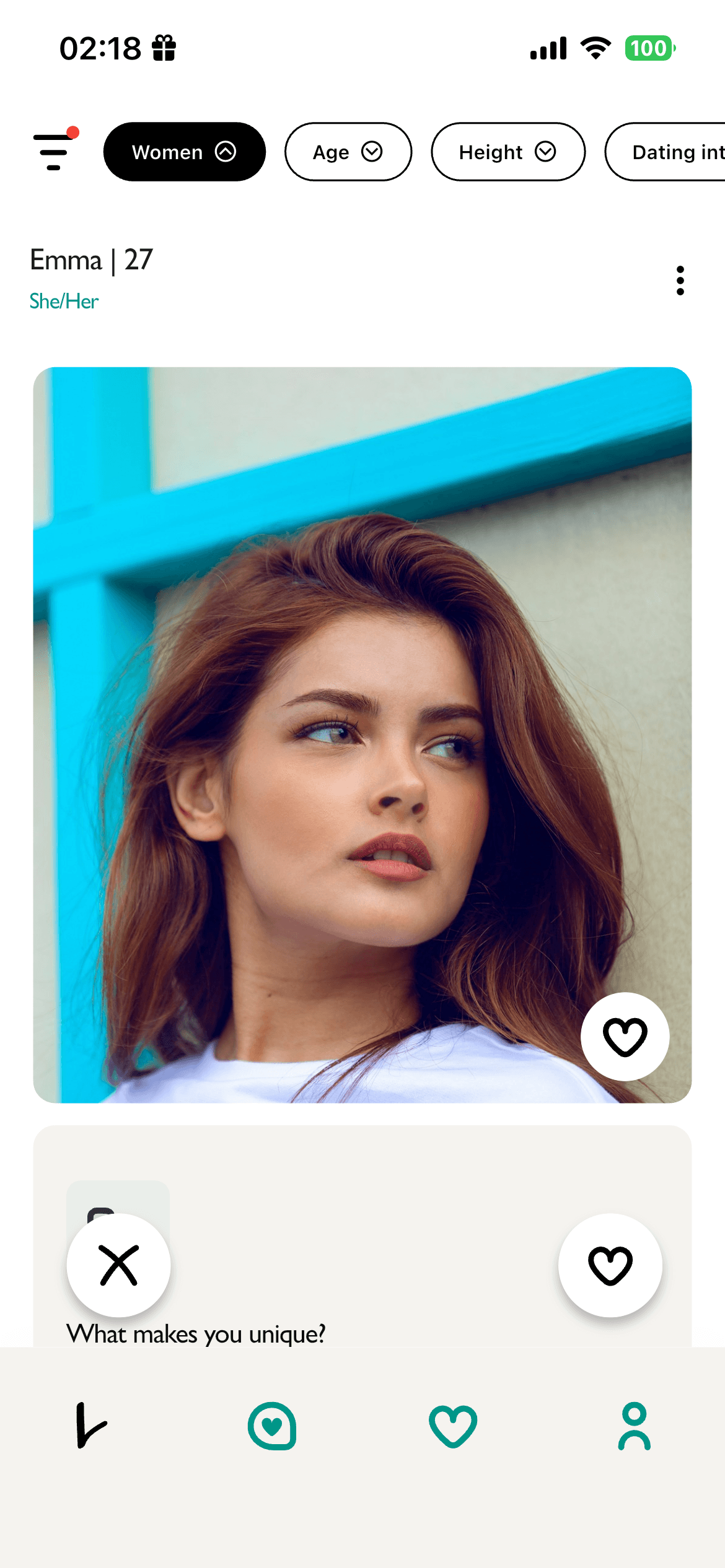
Drag the slider to see exactly what other people see when Incognito Mode is on — and what happens the moment you match.
Incognito mode — your photos are blurred to everyone else.
How it works
Turn Incognito on from your profile settings. Your photos appear softly blurred to anyone browsing the feed — you still show up in matches, searches and likes, but your face stays private. The moment you and someone else like each other, both profiles are revealed automatically. No manual unblurring, no awkward reveals.
Your photos stay visually beautiful — softly blurred, never replaced with a placeholder.
The instant you both like each other, both profiles unblur. No buttons to press.
Profiles stay blurred even if someone tries to capture them before matching.
Switch Incognito on or off from your profile. No cooldown, no penalty.
Why we built it
Dating apps can feel exposing. Your photos are visible to thousands of strangers before you've exchanged a single word. Incognito Mode flips that — you stay in control of who actually sees you, and reduce the risk of screenshots, profile scraping and unsolicited attention from people you haven't chosen to connect with.
The honest trade-off
Incognito is a meaningful privacy tool, but blurred profiles do receive fewer likes — people naturally respond to faces. If maximising matches is the priority, Incognito may not be for you. If protecting your identity matters more, it's worth the slightly slower discovery.
What stays visible
- Your first name and age
- Your bio, prompts and interests
- Your distance indicator
- An Incognito badge — so others know you value privacy
After a match
Once a mutual match is confirmed, both profiles are fully revealed — instantly and automatically. You can keep Incognito on for new people while chatting normally with existing matches.
Trust & safety
Incognito doesn't affect verification. Every Preet member completes a selfie check, and our trust team can always see real photos for moderation. Incognito only controls what other members see — we can still act on reports, even against Incognito accounts.
Availability
Incognito Mode is available to every Preet member. Toggle it any time from Profile → Privacy — no cooldown, no limit on how often you switch.